
Kerokero Reader 读读乐
Read Real Chinese with Instant Translations
The free Chinese reading tool for learners who want to read real Chinese — news, stories, wiki articles — without giving up. Paste text, upload a file, or drop in a link: pinyin, HSK-tagged vocabulary, and translations on every word.
How it works
Step 1 — Add your text
Paste any Japanese text, drag in a PDF, EPUB, DOC, or TXT file, or import a Wikipedia or Aozora Bunko article from a link.
Step 2 — Read with instant help
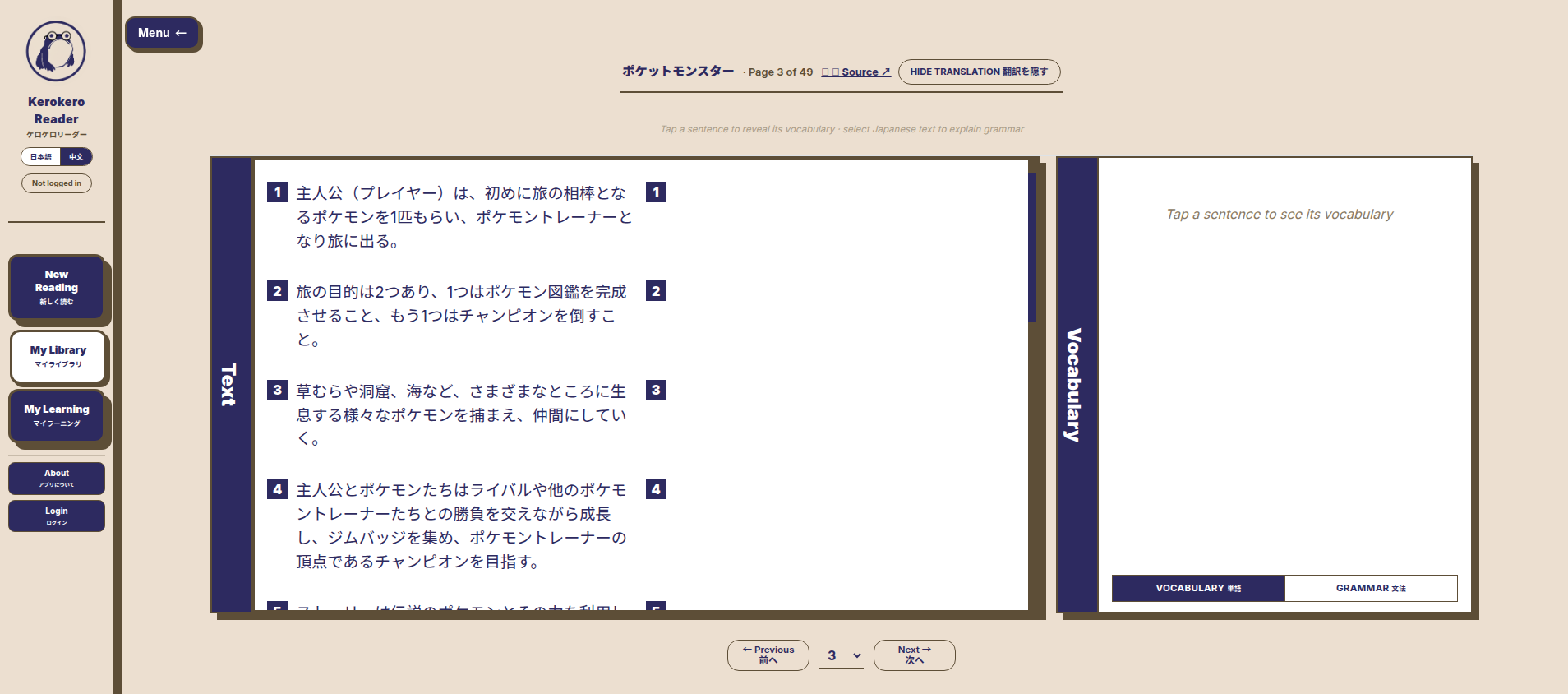
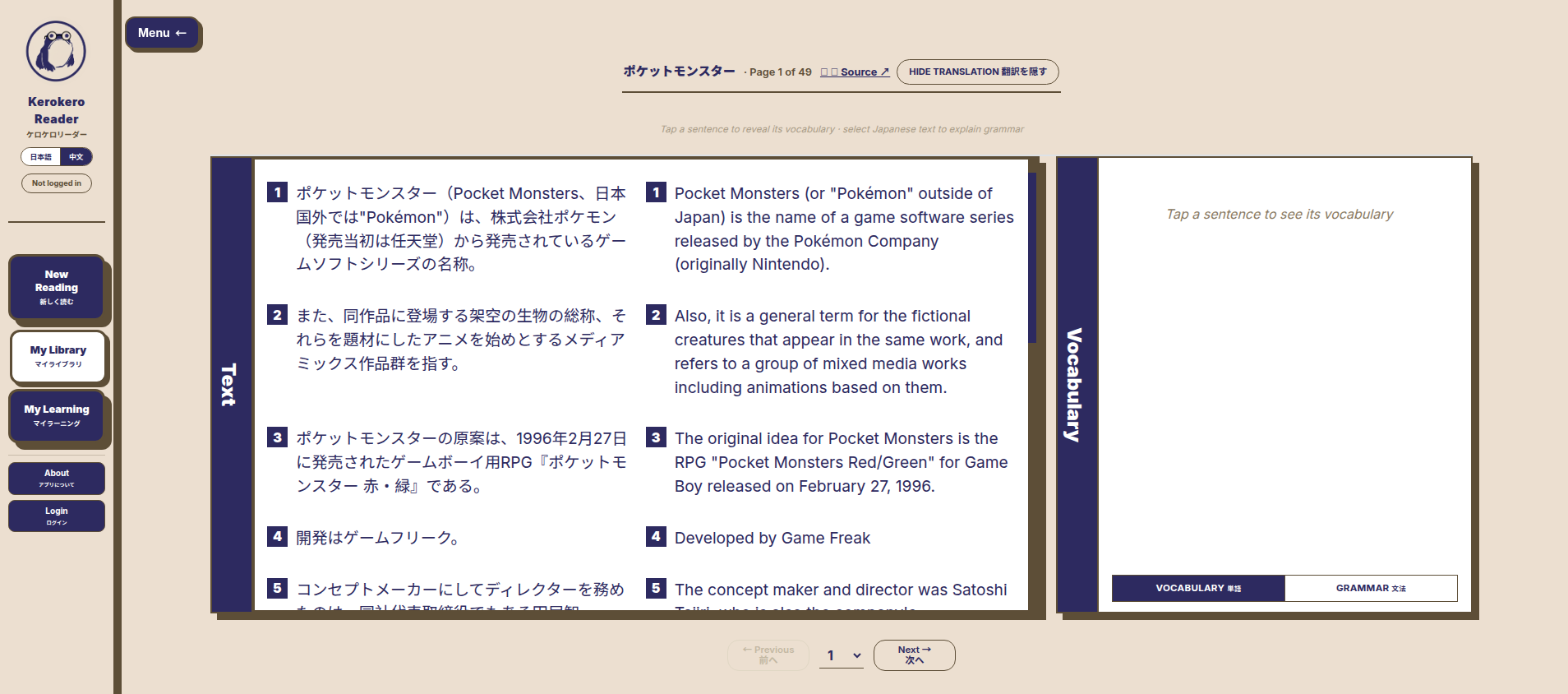
The original text and its English translation appear side by side, page by page. Click any word for its reading, definition, and JLPT level.
Step 3 — Review what you learned
Every word you read is saved to your personal vocabulary list with grammar notes, ready to review and export whenever you like.
Features
📄 Read any file
Upload PDF, EPUB, DOC, or TXT files and read them in the built-in reader — long documents become comfortable, page-by-page reading sessions.
✍️ Paste text or links
No files handy? Paste any Japanese text directly, or import a whole Wikipedia or Aozora Bunko article with a single link.
⚡ Instant translations
Original text and English translation sit side by side on every page — no more switching between tabs and dictionary apps.
🔤 Pinyin & HSK tags
See pinyin readings over every character and know exactly which HSK level each word is.
💬 Grammar explanations
Select any sentence and ask for a grammar breakdown. Explanations come grounded in your actual text, not generic rules.
📚 Vocabulary tracking
Every word you read is added to your personal vocabulary list, linked to the paragraph where you first saw it — review and export anytime.
See it in action
Pricing
Free
Monthly reading credits, instant translations, vocabulary tracking, and grammar explanations — enough to start reading today.
Start free
Premium
More credits every month, larger document storage, and priority processing — for learners who read every day.
Upgrade
Enterprise
Higher limits and dedicated support for schools, classrooms, and language programs reading with groups of learners.
Learn more
FAQ
Is Kerokero Reader free?
Yes. The free plan includes monthly reading credits, vocabulary tracking, and grammar explanations. Premium and enterprise plans add higher limits -- see the pricing section.
Which files can I read?
Paste any Japanese or Chinese text, or upload PDF, EPUB, DOC, and TXT files. You can also paste a Wikipedia or Aozora Bunko link and read the article directly in the reader.
Does it work for Chinese too?
Yes -- one tool covers both Japanese and Chinese. Chinese text gets pinyin readings, HSK level tags, and instant translations, exactly mirroring the Japanese reading experience.
What are JLPT levels?
JLPT (Japanese-Language Proficiency Test) levels run from N5 (easiest) to N1 (hardest). Kerokero Reader tags vocabulary with its JLPT level so you can focus on words at your own level.
Is my vocabulary saved?
Every word you read is collected in your personal vocabulary list, linked back to the paragraph where you first encountered it. Logged-in users can review and export it anytime.
How is this different from a dictionary?
A dictionary gives you one word at a time. Kerokero Reader translates whole paragraphs, keeps the original text side by side with the translation, and builds a persistent vocabulary list from everything you read.